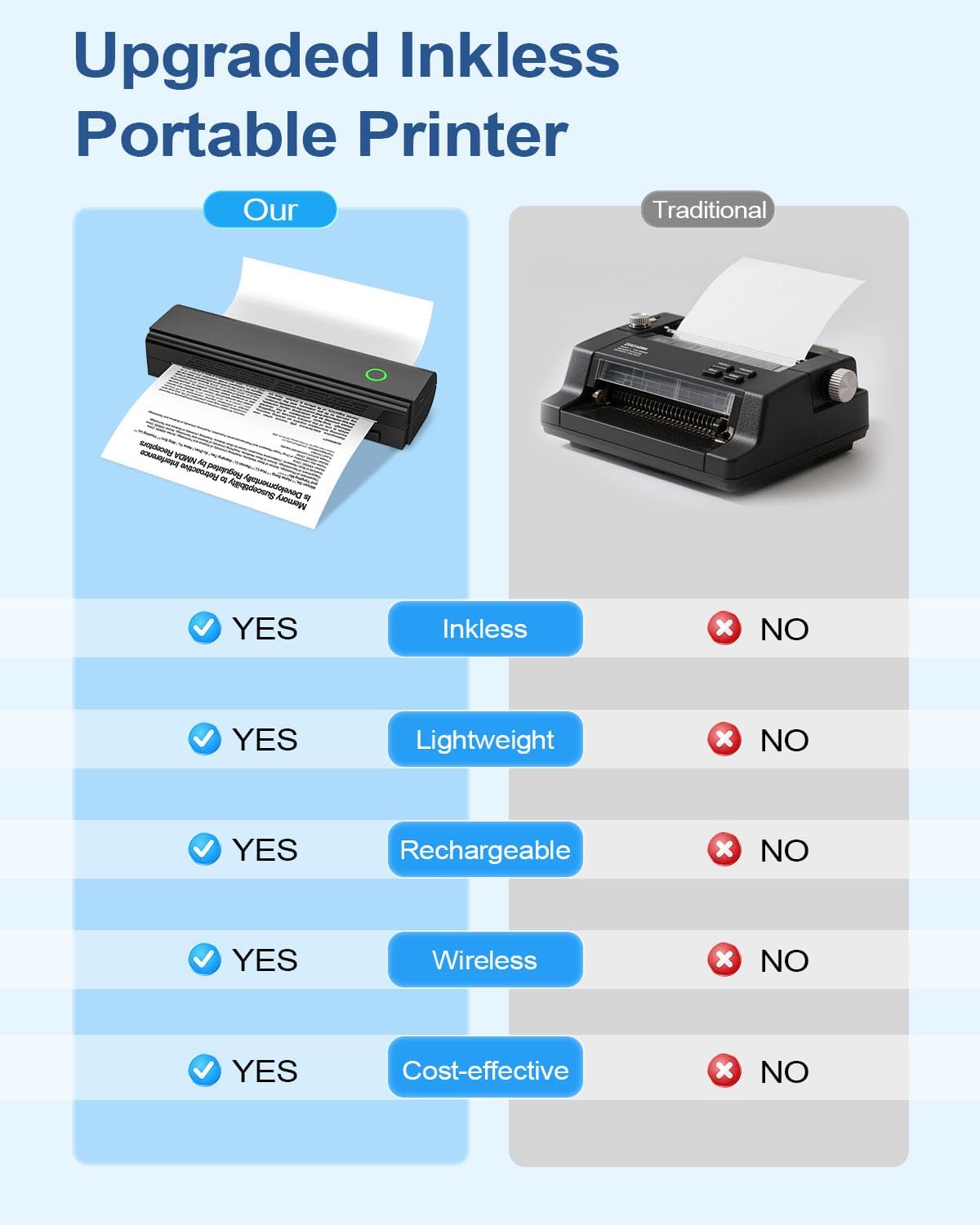
Portable Printers Wireless for Travel, Bluetooth Thermal Printer | Supports 8.5" x 11" US Letter & A4 Size, Inkless Mobile Printer Work with Android iPhone Laptop for Home Office School
Portable Printers Wireless for Travel, Bluetooth Thermal Printer | Supports 8.5" x 11" US Letter & A4 Size, Inkless Mobile Printer Work with Android iPhone Laptop for Home Office School thumbnail Portable Printers Wireless for Travel, Bluetooth Thermal Printer | Supports 8.5" x 11" US Letter & A4 Size, Inkless Mobile Printer Work with Android iPhone Laptop for Home Office School thumbnail Portable Printers Wireless for Travel, Bluetooth Thermal Printer | Supports 8.5" x 11" US Letter & A4 Size, Inkless Mobile Printer Work with Android iPhone Laptop for Home Office School thumbnail Portable Printers Wireless for Travel, Bluetooth Thermal Printer | Supports 8.5" x 11" US Letter & A4 Size, Inkless Mobile Printer Work with Android iPhone Laptop for Home Office School thumbnail Portable Printers Wireless for Travel, Bluetooth Thermal Printer | Supports 8.5" x 11" US Letter & A4 Size, Inkless Mobile Printer Work with Android iPhone Laptop for Home Office School thumbnail Portable Printers Wireless for Travel, Bluetooth Thermal Printer | Supports 8.5" x 11" US Letter & A4 Size, Inkless Mobile Printer Work with Android iPhone Laptop for Home Office School thumbnail
Portable Printers Wireless for Travel, Bluetooth Thermal Printer | Supports 8.5" x 11" US Letter & A4 Size, Inkless Mobile Printer Work with Android iPhone Laptop for Home Office School
$39.99

List Price: 41.99

Discount: -5%

Rating: 4.1 ★ (4292 reviews)

Availability: In Stock

Brand: NADAIIN

Category: Portable Thermal Printers

SKU: default

Promotion Hot Sale New Arrival

Can I use regular paper(copay paper)?

Only support thermal paper. Otherwise you will print blank

How to Print on Phone?

1. Download NADA Print APP. 2. Turn on the printer and Bluetooth, and then connect the N80 portable printer via Bluetooth. 4. Select N80 Printer and select the file to start printing

How to Print on Laptop or Computer?

1. Download and Install the driver for your computer system according to the user manual. 2. Turn on the printer and connect the printer to your laptop or Computer with USB-C Cable. 4. Select N80 Printer and select the file to start printing

Product description

From the brand

Recently Viewed

Guess You Like